Adding auction items in bulk
To add your auction items to your event in bulk simply follow the steps below.
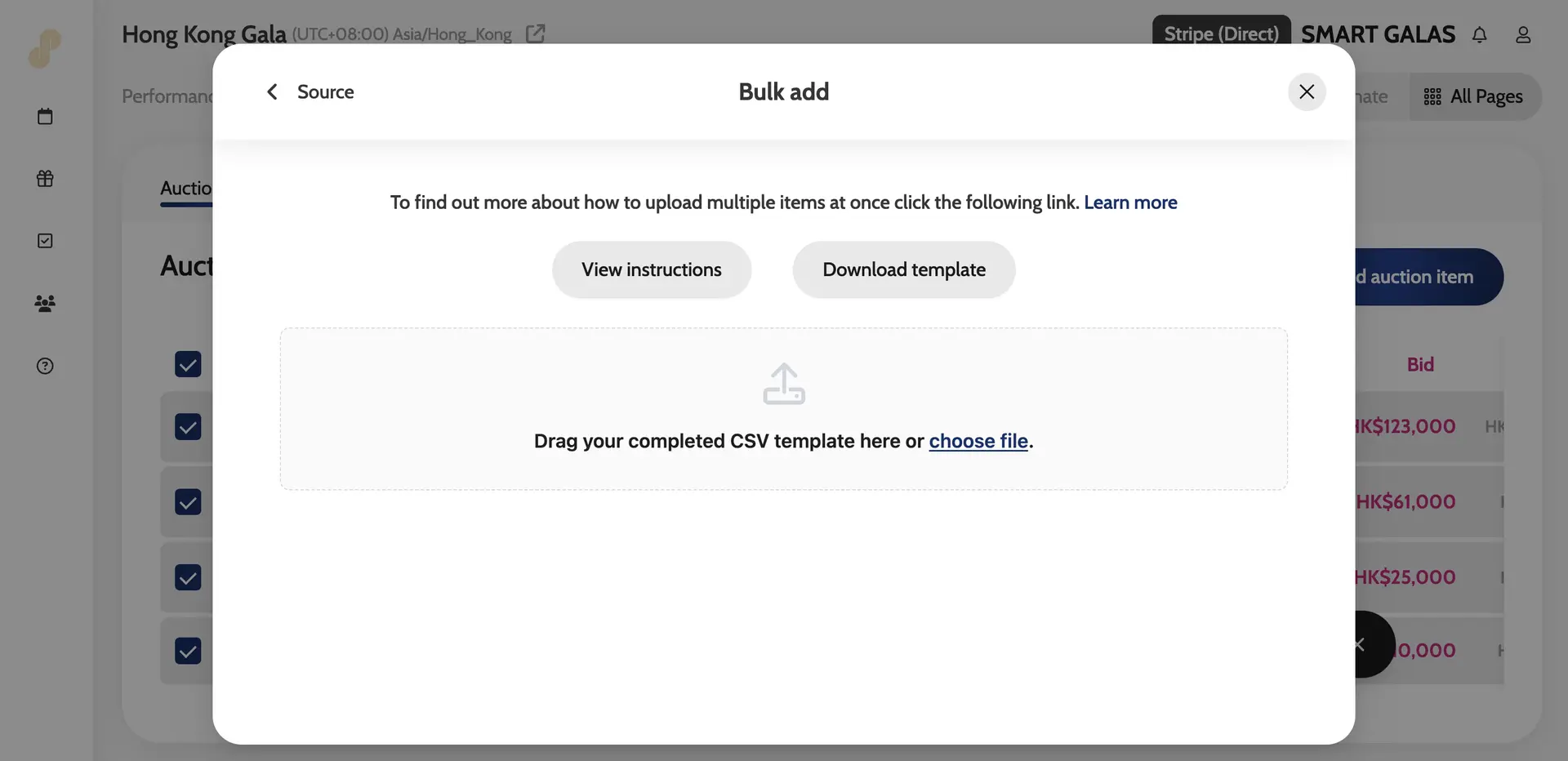
- Go to All Pages > All Auction Items > Auction Items > Add auction item > Bulk add
- Click on View instructions and Download template
- Once you have completed the bulk template, simply add the CSV file into the box below.
- Once the upload is finished, you can go into each item to edit any fields and add images
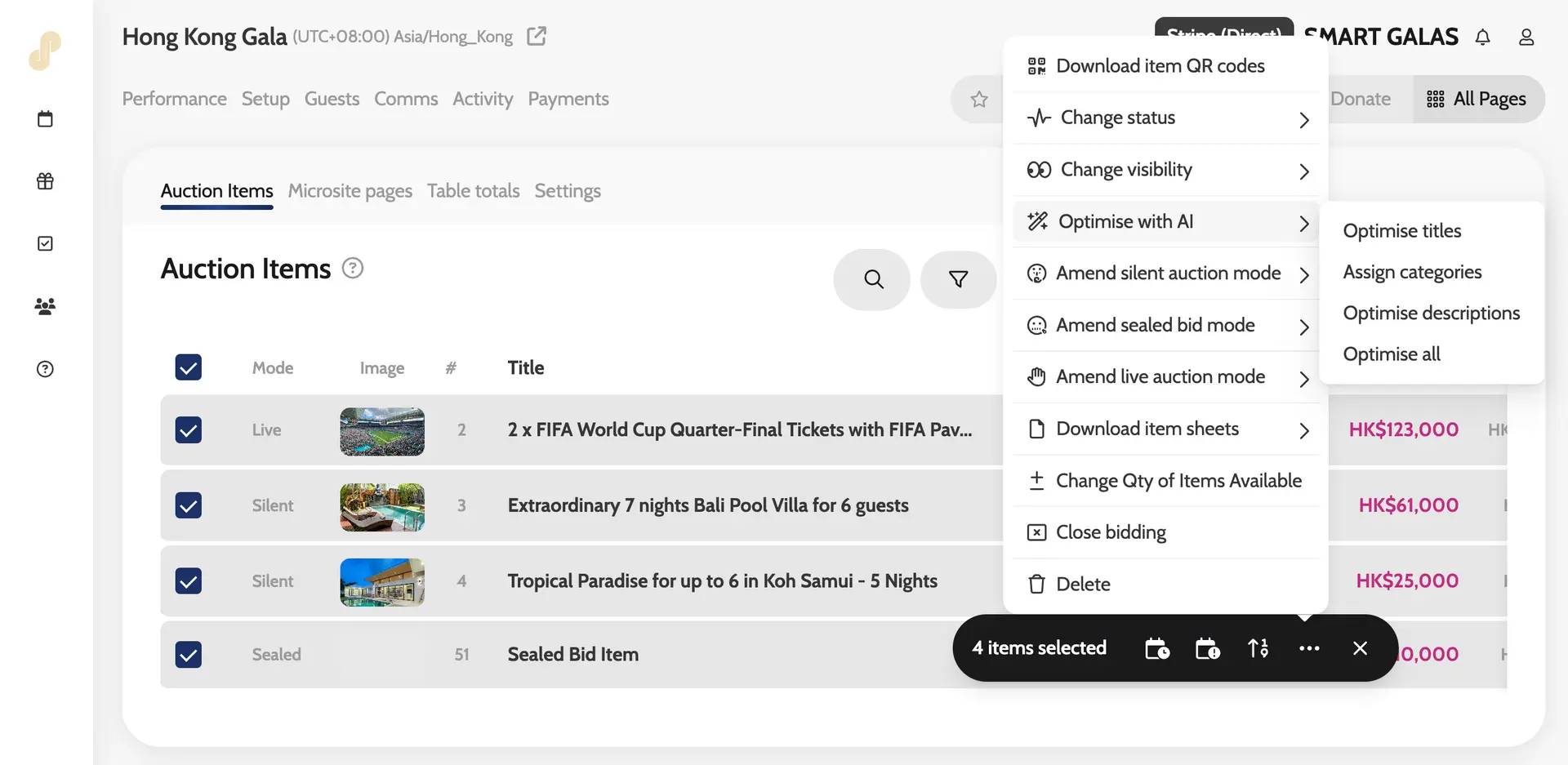
- You can also use the Bulk action function to Optimise with AI.
- You will be able to change the order of the items simply by dragging it to the desired position.
- Once you have reordered your items, click on the ‘Renumber’ icon (double arrow icon on the right-hand side of the page) and the system will renumber your items starting from 1.
*You can do as many bulk uploads as needed, but you won’t be able to upload the same item twice.
Downloading the template and instructions
Bulk action – Optimise with AI