Downloading reports from Smart Galas
If you would like to download reports (CSV or XLS) of any activity on Smart Galas simply follow these steps.
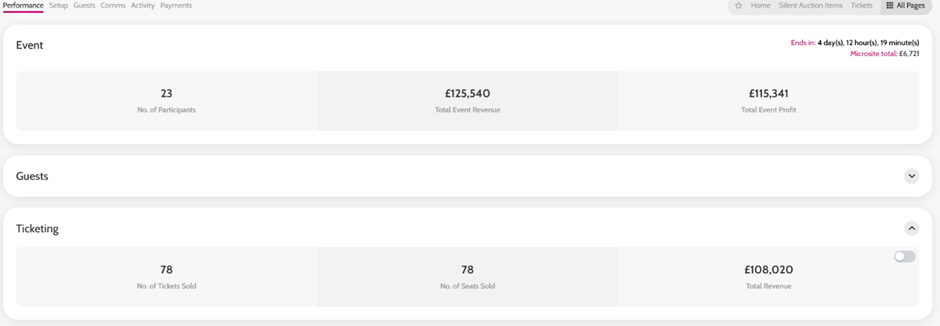
- Go to Performance
- Select the drop down for what you want to download a report of (e.g. Fundraising- Auction, Fundraising - Pledging and Donations, Ticketing, Payments etc)
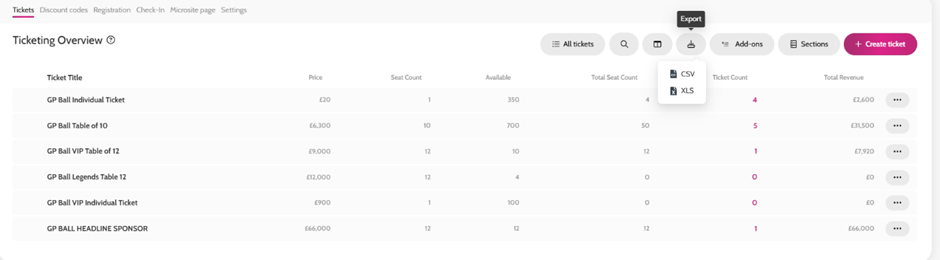
- Click View Details on the relevant tab
- Click the Export button (right of the ‘Search’ & ‘Edit Columns’ field) and select CSV or XLS
Downloading reports