Editing guest receipts/invoices
To add a logo, information or an address to your receipts follow these steps.
To add a logo, information or an address to your receipts/invoices follow these steps.
- Go to Setup > Payment Methods
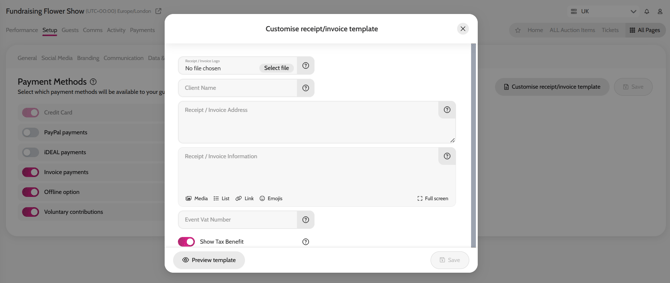
- Click Customise receipt/invoice template
- Add/edit any information you like (you can click Preview template to view), and then click Save
Editing guest receipts/invoices