How to Create a Poll
To create a Poll on your event simply follow these steps.
- Go to All Pages > Polls
- Click on + Add Poll
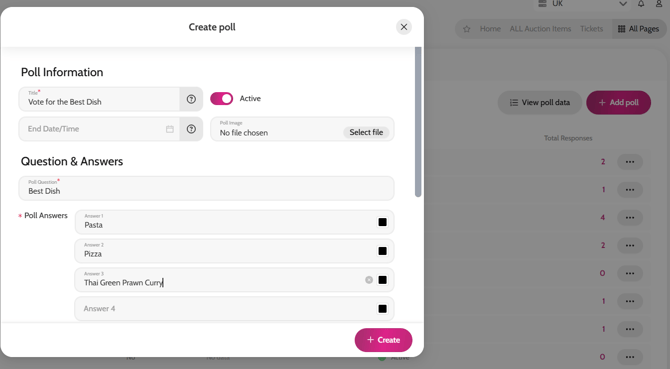
- Complete all fields necessary
- Click Create
Click View poll data to view and download the poll results.
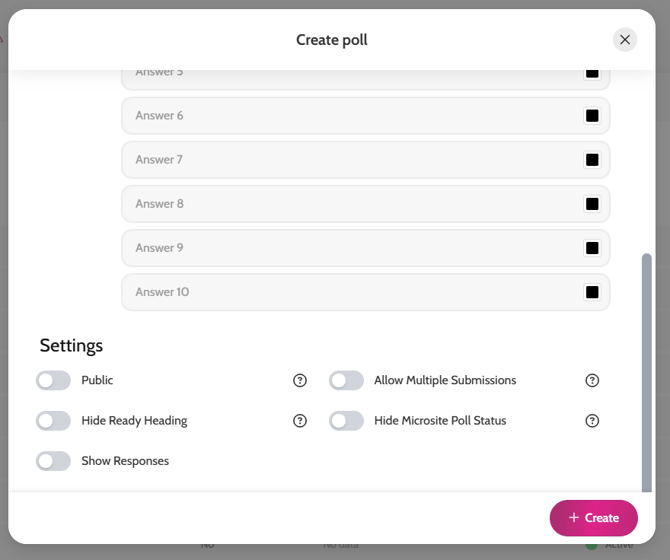
*If you would like the poll to be Public (guests don’t have to sign in to vote), scroll to Settings and enable the Public toggle. All votes will be Anonymous.
Creating a Poll
Poll Settings