Password protect your Event
If you need to password protect your event, simply follow these steps.
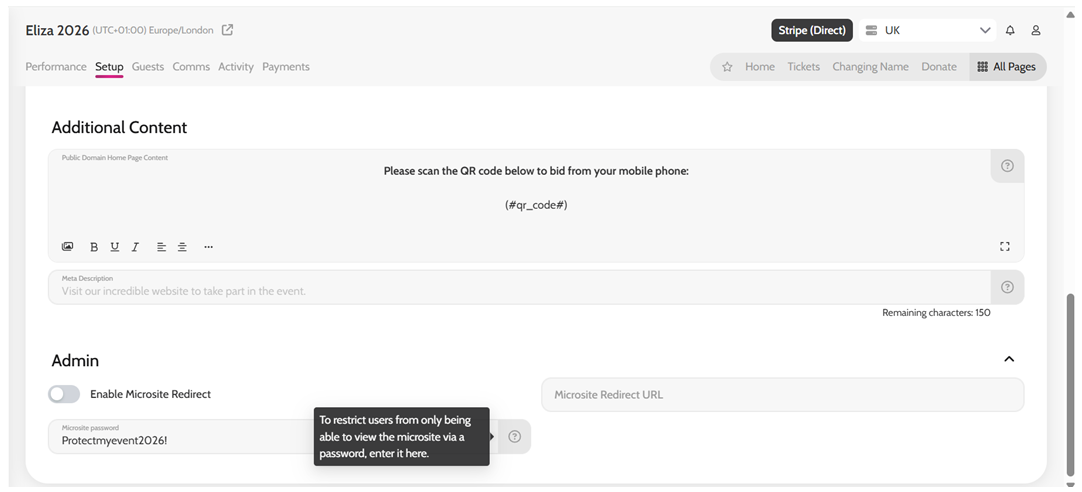
- Go to Setup > Advanced
- Scroll down to Admin
- Enter a password in the Microsite Password field
*This can be any length and can include letters, numbers, symbols
- Click Save (top right)
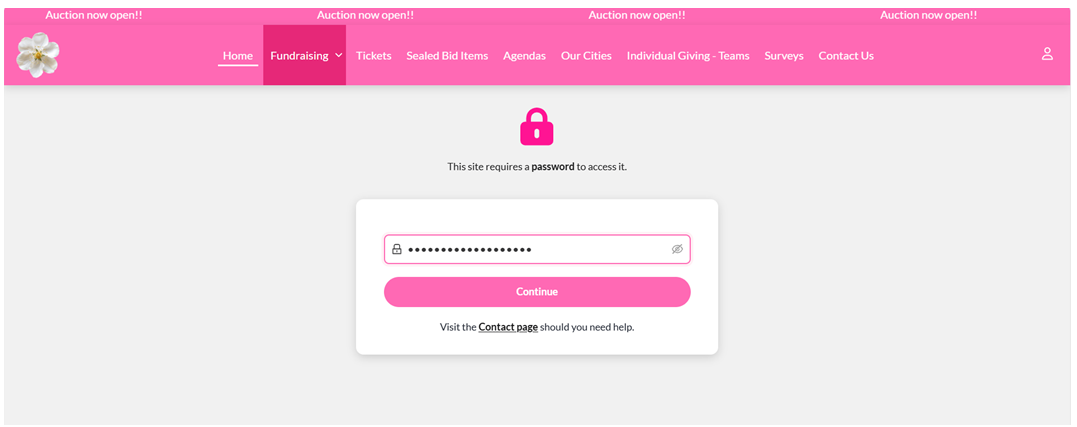
Your entire event site is now password protected. You can share the password with select guests via a custom communication in Emma, or your own mailing list.
Creating a password for your Event