Sending invite to guests to RSVP
To send an invite to your guests to RSVP please follow the steps below:
Add guests to Smart Galas backend under Guests > Overview – see help article here
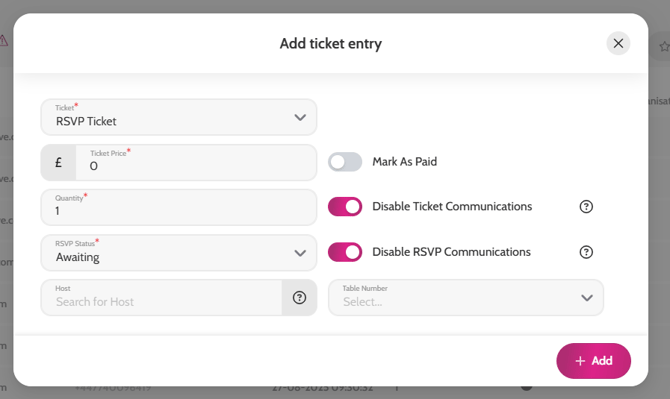
- Assign the RSVP ticket to them – see help article here
- Make sure the Disable Communication toggle is enabled if you don’t want them notified of having a ticket assigned to them
- Set the RSVP Status to Awaiting and enable the Disable RSVP Communications toggle
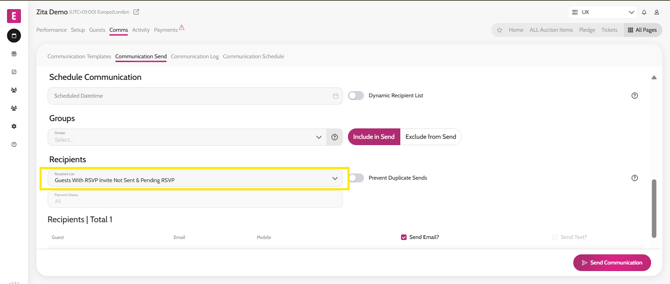
- Go to Communication > Communication Send
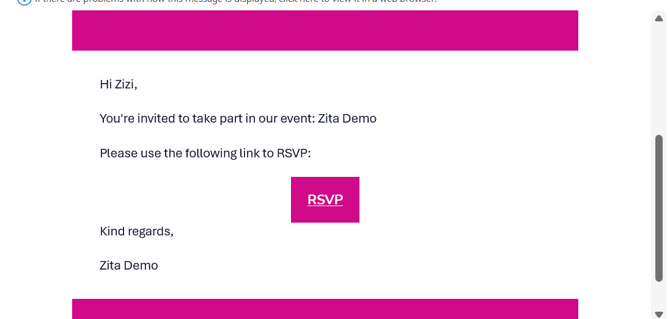
- Select the Guest Invite to RSVP Template – amend wording if required
- Select the recipient list of Guests with Invite Not Sent/Pending
- Guests will receive an email with a link to the microsite to confirm or decline their attendance
- When clicking ‘Attending’ they will be asked to sign up and then see the confirmation page
Assigning the RSVP ticket to guests
Sending guests the Guest Invite to RSVP communication