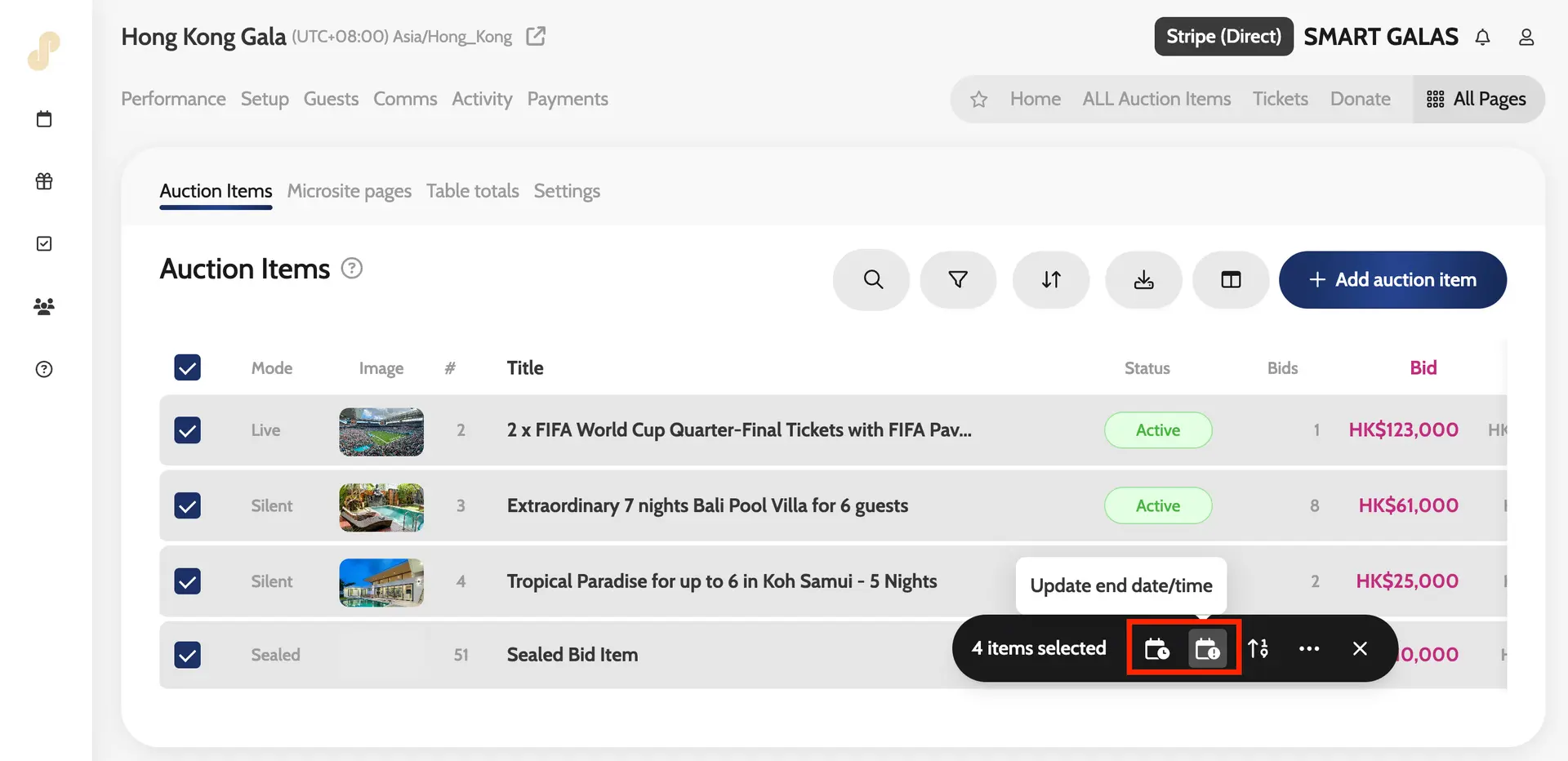
Updating start and end date/time in bulk for auction items
To update the start and end date/time for your auction items in bulk simply follow these steps.
- Go to All Pages > ALL Auctions Items
- Select all (click tick box at the top left)
- Go to your Bulk Action tab on the right-hand side > Update End Date/Time OR Update Start Date/Time > add in the date and time > Save
Updating start and end date/time in bulk