跳至內容
Adding a team member to your account
To add a new admin or team member to your Smart Galas account simply follow these steps.
- Go to the Account > Client Users section on your Smart Galas menu on the left hand side
- Click Add Team Member at the top right
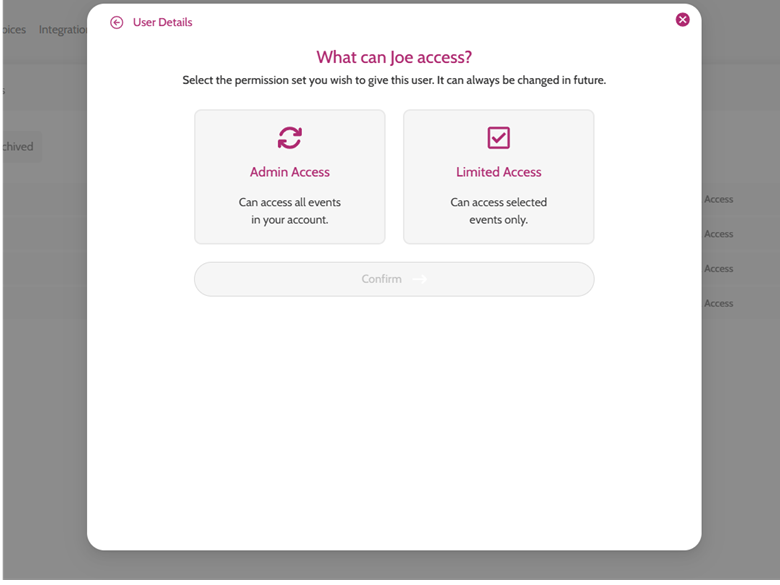
- You will need to add the team member's Name, Email address and select the Type - either Admin Access (for full access) or Limited Access (Team users and Volunteers)
- Choosing Admin Access will send a reset password link to your new user
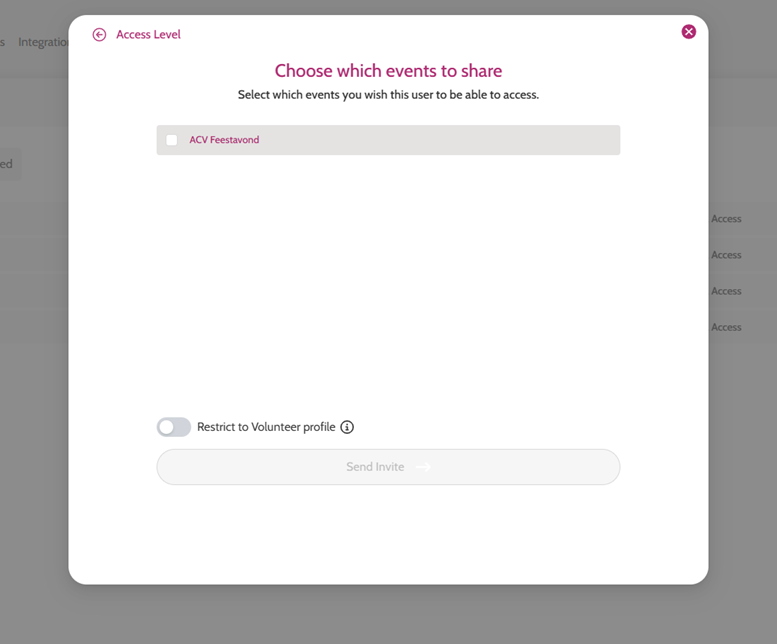
- Choosing Limited Access will allow you to choose which events this user has access to and selecting whether they are a volunteer before you click Send Invite (this will send the reset password link in an email to the newly added team member)
Adding a team member